
 Event
Beta Test Starts Today - All Accounts Will Be Wiped
Beta started November 2. Anyone can download and play. When beta ends, every account is deleted - characters, items, E-Points and RocPoints included. Nothing carries over.
Read more →
Knowledge · Innovation · Evolution
The campus is calling. Enroll at Ran University, pledge to your school and rise through School Wars, Club Wars and endless battles across a reborn world.
Stay updated with the latest announcements, patches and in-game events.
EventBeta started November 2. Anyone can download and play. When beta ends, every account is deleted - characters, items, E-Points and RocPoints included. Nothing carries over.
Read more →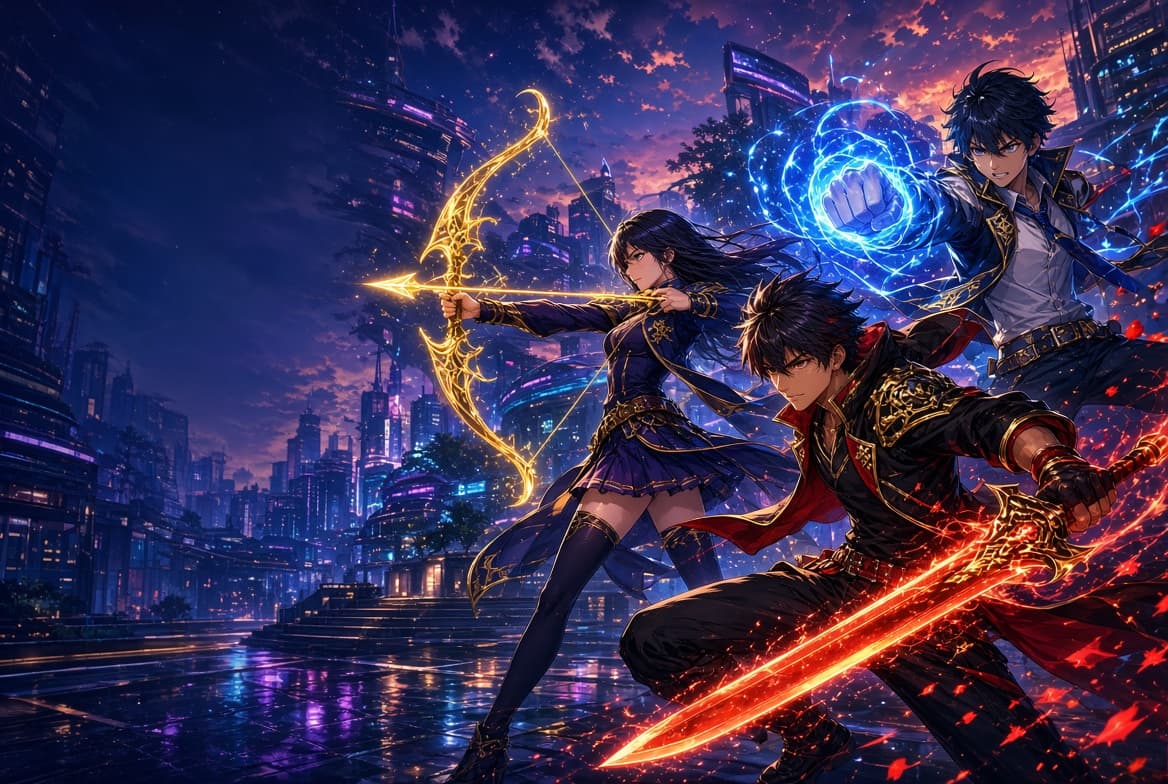 News
We are building a RAN Online Catalyst client for phones. Same campus, same servers - Android first. There is no public download yet.
Read more → News
RAN Online Catalyst will have NFTs. This is a future feature - nothing to mint or buy yet. Details land here before anything goes live.
Read more →NewsWalkie-talkie voice for your party. Hold the \ key (backslash), speak, release. Everyone in the party on your field hears it.
Read more →NewsA school-wide war buff, /dean chat, and an arrow target mark during School War, Club War and Tyranny.
Read more → News
Rare Dead Hours drops you can deposit in-game and cash out to GCash or Maya. 10 RocPoints = ₱1.
Read more →Beneath a sky laced with circuitry lies a city where knowledge is power - literally. Three rival academies train students in the arts of combat, and every lesson ends on the battlefield.
As a new enrollee, you will choose your school, master a fighting discipline, and forge alliances with fellow students. Rise through the ranks, lead your club to victory, and claim the campus for your school.
Every student belongs to a school. Your school is your family, your army and your pride.

“Steadfast as the Gate.”
Guardians of tradition and discipline. Sacred Gate students hold the line with unbreakable resolve and fight as one impenetrable wall.

“Wisdom from the Summit.”
Seekers of hidden knowledge atop the emerald mountain. Mystic Peak masters strategy and arcane insight to outthink every rival.
“From Ashes, Ascend.”
Fierce and relentless, Phoenix students burn with ambition. Defeat only fuels their fire - they always rise again, stronger than before.
Four paths to power. Select a class to learn its strengths.
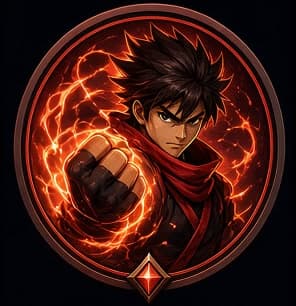
Brawlers turn their bodies into weapons. With blazing fists and relentless combos, they dive into the thick of battle and overwhelm enemies before they can react.
Classic Ran gameplay, refined and evolved.
Hold the \ key (backslash) in a party to talk. Clips play to your party on the same field, and the speaker's nameplate lights up.
Massive scheduled battles where the three schools clash for control of the campus and exclusive rewards.
Fast-paced objective PvP. Coordinate with your school, seize the enemy flag and bring it home.
Form a club, claim territory and declare war. Club leaders earn tax income from conquered regions.
Fair leveling curves, meaningful gear upgrades and a player-driven economy - no pay-to-win shortcuts.
Ride hoverboards and bikes across the city, and raise loyal pets that fight and loot alongside you.
Boss raids, tyranny battles, treasure hunts and seasonal festivals keep the campus alive around the clock.
The strongest students and clubs on the server.
| # | Character | Class | School | Reborn | Level |
|---|---|---|---|---|---|
| 1 | testbai2 | Archer | Phoenix | 864 | 135 |
| 2 | test01 | Shaman | Phoenix | 181 | 135 |
| 3 | testbai3 | Brawler | Phoenix | 123 | 135 |
| 4 | TestSword | Swordsman | Sacred Gate | 92 | 5 |
| 5 | Purple_Pipi | Archer | Mystic Peak | 37 | 135 |
| 6 | testing0021 | Swordsman | Phoenix | 28 | 135 |
| 7 | testing0022 | Swordsman | Phoenix | 9 | 87 |
| 8 | test02 | Shaman | Phoenix | 5 | 6 |
| 9 | Bullseye | Archer | Sacred Gate | 0 | 8 |
| 10 | esmeringhoy | Archer | Phoenix | 0 | 1 |
Get the full client and start your journey in a few simple steps. Beta is open to everyone.
Windows installer · 1.14 GB · Beta test
| Minimum | Recommended | |
|---|---|---|
| OS | Windows 7 (64-bit) | Windows 10 / 11 |
| CPU | Dual Core 2.0 GHz | Quad Core 3.0 GHz |
| RAM | 4 GB | 8 GB |
| GPU | DirectX 9, 1 GB VRAM | DirectX 11, 2 GB VRAM |
| Storage | 8 GB free | 12 GB SSD |